
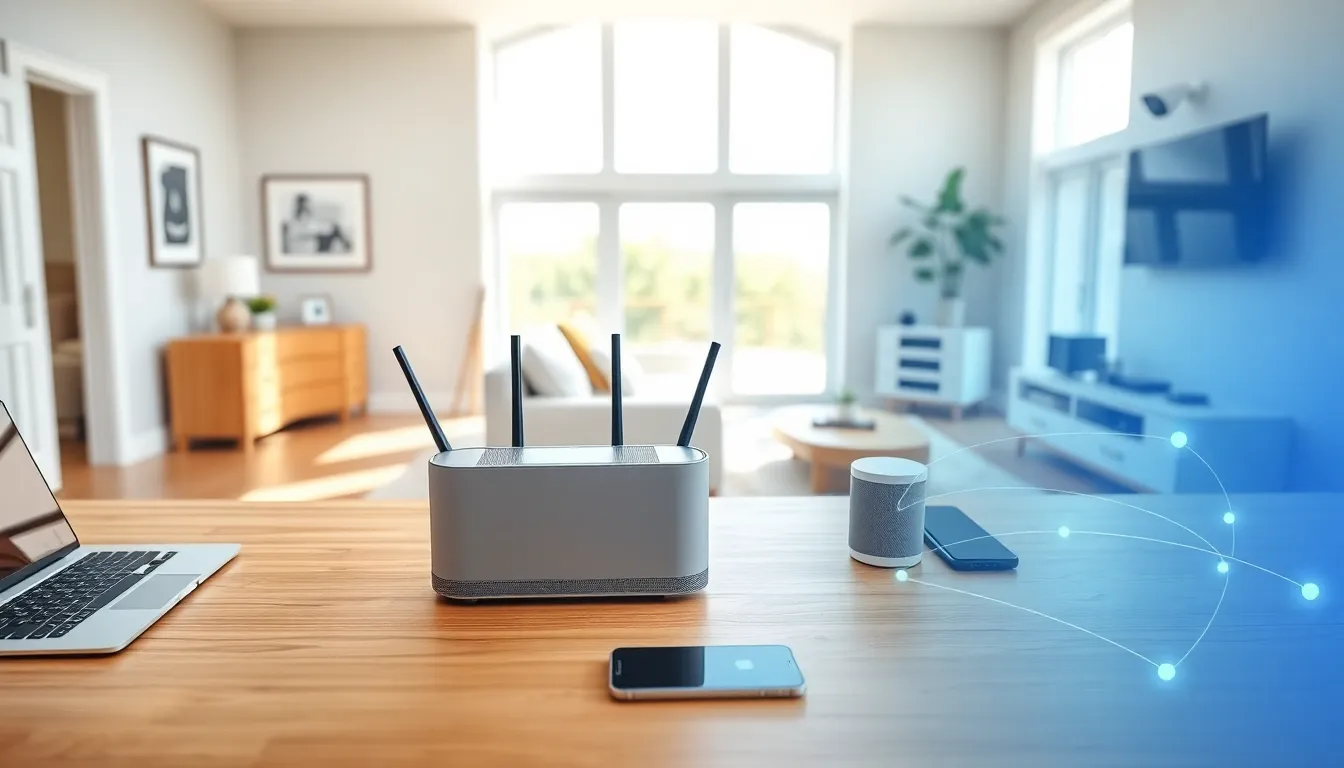

Home networking strategies determine how well devices connect, communicate, and perform in any household. A weak network leads to buffering videos, dropped video calls, and frustrating smart home failures. A strong network supports everything from remote work to gaming without interruption.
Most homes now contain dozens of connected devices. Laptops, phones, smart TVs, security cameras, and voice assistants all compete for bandwidth. Without proper planning, this digital traffic jam creates slowdowns and dead zones.
This guide covers the essential home networking strategies that create fast, stable, and secure connections. Readers will learn how to assess their needs, select the right equipment, extend coverage, and protect their network from threats.
Table of Contents
ToggleKey Takeaways
- Effective home networking strategies start with counting your connected devices and calculating peak bandwidth needs—most households require at least 100 Mbps for smooth performance.
- Wi-Fi 6 routers handle multiple devices more efficiently, while mesh systems provide seamless coverage for homes over 2,000 square feet or multi-story layouts.
- Place your router in a central, elevated location away from metal objects, microwaves, and thick walls to maximize wireless coverage.
- Assign devices to the appropriate frequency band—use 2.4 GHz for distant smart home devices and 5 GHz for streaming and laptops near the router.
- Secure your network by changing default passwords, enabling WPA3 encryption, creating a guest network, and keeping router firmware updated.
- Segment IoT devices on a separate network to prevent compromised smart home gadgets from accessing your personal computers and sensitive data.
Understanding Your Home Network Needs
Before purchasing any equipment, households should evaluate their specific requirements. Home networking strategies begin with understanding how many devices need connectivity and what activities those devices support.
Counting Connected Devices
Most people underestimate their device count. A typical family of four might have:
- 4 smartphones
- 2-3 laptops or tablets
- 1-2 smart TVs
- A gaming console
- Smart speakers
- Security cameras
- Smart thermostats and lights
This easily reaches 15-20 devices. Each device draws bandwidth, and some demand more than others.
Assessing Bandwidth Requirements
Different activities require different speeds. Video streaming in 4K needs about 25 Mbps per stream. Video conferencing uses 3-4 Mbps. Online gaming requires low latency more than raw speed.
Households should add up peak usage. If three people stream video while another joins a work call, the network needs at least 100 Mbps to perform smoothly. Heavy users or large families should consider plans offering 300 Mbps or higher.
Mapping Your Space
Home size and layout affect network performance. Thick walls, multiple floors, and long distances from the router create coverage challenges. A 3,000 square foot home with brick interior walls needs different home networking strategies than a 1,200 square foot apartment.
Walk through the home and note areas where devices will operate. Identify potential problem spots like basements, garages, or rooms far from where the router will sit.
Choosing the Right Router and Equipment
The router serves as the foundation of home networking strategies. It directs traffic between devices and the internet. Choosing wisely prevents bottlenecks and future headaches.
Router Types and Standards
Wi-Fi 6 (802.11ax) routers handle multiple devices better than older models. They offer faster speeds and improved performance in crowded networks. Wi-Fi 6E adds a 6 GHz band for even less interference.
For most homes, a mid-range Wi-Fi 6 router costing $100-200 provides excellent performance. Power users or smart home enthusiasts may benefit from higher-end models with more processing power.
Mesh Systems vs. Single Routers
Traditional routers broadcast from one location. Mesh systems use multiple units placed throughout the home to create seamless coverage.
Mesh systems work well for:
- Homes over 2,000 square feet
- Multi-story buildings
- Layouts with many walls or obstacles
Single routers suit smaller spaces where one device can cover the entire area. They cost less and require simpler setup.
Modem Considerations
Some ISPs provide combined modem-router units. These work but often lack advanced features. Separate devices give users more control and typically deliver better home networking strategies results.
DOCSIS 3.1 modems support gigabit cable internet speeds. Users with fiber connections need an ONT (Optical Network Terminal) instead, usually provided by the ISP.
Optimizing Wi-Fi Coverage Throughout Your Home
Even quality equipment underperforms when poorly positioned. Smart placement and configuration maximize wireless coverage.
Router Placement Basics
Central placement produces the best results. Wi-Fi signals radiate outward in all directions. A router in a corner wastes half its signal on the outdoors.
Keep routers:
- Away from metal objects and appliances
- Off the floor (elevated positions work better)
- Clear of fish tanks and mirrors
- Away from microwaves and cordless phones
These items interfere with wireless signals and create dead spots.
Using Both Frequency Bands
Modern routers broadcast on 2.4 GHz and 5 GHz frequencies. The 2.4 GHz band travels farther but offers slower speeds. The 5 GHz band delivers faster speeds over shorter distances.
Smart home networking strategies assign devices to appropriate bands. Smart home sensors and devices far from the router work well on 2.4 GHz. Laptops, phones, and streaming devices near the router benefit from 5 GHz.
Extending Coverage
When router placement alone fails, additional hardware helps. Options include:
Range Extenders: Affordable but create separate networks and can reduce speeds by half.
Mesh Satellites: More expensive but maintain a single network name and full speeds.
Powerline Adapters: Use electrical wiring to carry data. Useful for reaching detached buildings or distant rooms.
Ethernet Backhaul: Running ethernet cables between mesh units or access points delivers the fastest, most reliable extension of home networking strategies.
Securing Your Home Network
Network security protects personal data, prevents unauthorized access, and stops attackers from using the connection for illegal activities.
Strong Password Practices
Change default router passwords immediately. Manufacturers use predictable defaults that attackers know. Create a unique administrator password with at least 12 characters including numbers and symbols.
Wi-Fi passwords deserve equal attention. Use WPA3 encryption when available, or WPA2 as a minimum. Avoid WEP, it offers almost no protection.
Network Segmentation
Guest networks isolate visitors from primary devices. Most routers offer this feature. Enable it and share the guest password instead of the main network credentials.
Some home networking strategies go further with IoT segmentation. Smart home devices often have weak security. Placing them on a separate network prevents compromised devices from accessing computers or sensitive data.
Firmware Updates
Router manufacturers release updates that fix security holes and improve performance. Enable automatic updates when possible. Check manually every few months if automatic updates aren’t available.
Additional Security Measures
Disable WPS (Wi-Fi Protected Setup). This feature makes connecting devices easier but creates security vulnerabilities.
Change the default network name (SSID). Names that identify the router model help attackers. Choose something unique that doesn’t reveal personal information.
Consider enabling MAC address filtering for an extra layer of control over which devices connect. This adds management overhead but improves home networking strategies for security-conscious users.


