
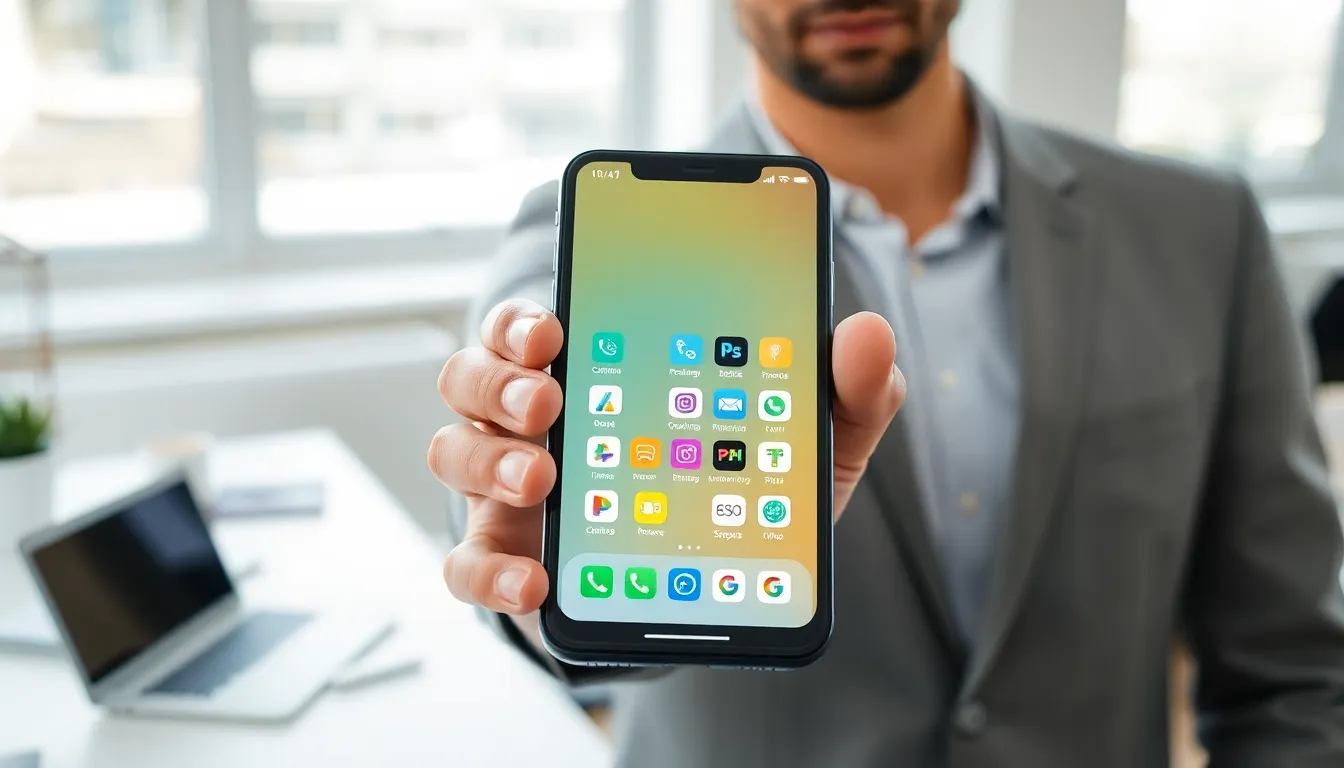

What is an app? This question crosses the minds of millions of people who use smartphones, tablets, and computers every day. An app, short for application, is a software program designed to perform specific tasks for users. Apps power modern digital life, from checking the weather to managing bank accounts. This guide breaks down what apps are, the different types available, and how they work behind the scenes. By the end, readers will understand exactly what an app does and why these tools have become essential to daily routines.
Table of Contents
ToggleKey Takeaways
- An app is a software program designed to perform specific tasks, from checking the weather to managing finances.
- Apps fall into three main categories: mobile apps, web apps, and desktop apps—each with unique advantages.
- Mobile apps dominate daily life, with over 250 billion downloads worldwide in 2024.
- Apps use APIs to communicate with servers and rely on encryption and authentication to keep user data secure.
- The average smartphone user has over 80 apps installed and actively uses around 30 each month.
- Understanding what apps are helps users make smarter choices about the tools they rely on daily.
Definition of an App
An app is a software application built to help users complete specific tasks. The term “app” became popular with the rise of smartphones, though applications have existed since the early days of computing.
At its core, an app is a set of instructions that tells a device what to do. When someone taps an icon on their phone screen, they launch an app. That app then runs code to display information, process data, or connect to the internet.
Apps differ from operating systems like Windows or iOS. Operating systems manage the hardware and provide a platform. Apps run on top of that platform to deliver focused functions. For example, a calculator app performs math calculations. A music app plays audio files. Each app serves a distinct purpose.
The word “application” has been around for decades. Older computer users might remember installing software from CDs or floppy disks. Today, most people download apps from digital stores like the Apple App Store or Google Play Store. The delivery method changed, but the basic concept remains the same: an app is software that does something useful for the person using it.
Types of Apps
Not all apps work the same way. They fall into three main categories based on where they run and how users access them.
Mobile Apps
Mobile apps run on smartphones and tablets. Users download these apps from stores like Google Play or the Apple App Store. Once installed, mobile apps live on the device and can be launched with a single tap.
Some mobile apps need an internet connection to function. Social media apps like Instagram or TikTok fall into this category. Others work offline, such as many games or note-taking apps. Mobile apps often take advantage of device features like cameras, GPS, and touchscreens.
The mobile app market has grown enormously. In 2024, users downloaded over 250 billion mobile apps worldwide. This number shows just how central these tools have become to everyday life.
Web Apps
Web apps run inside a web browser. Users don’t need to install anything, they simply visit a website. Gmail, Google Docs, and Netflix’s browser version are examples of web apps.
These apps store data on remote servers rather than on the user’s device. This setup means users can access their information from any computer with internet access. Web apps update automatically because the code lives on a server, not on local storage.
The trade-off? Web apps require a stable internet connection. They also can’t always access device features like cameras or microphones as easily as native mobile apps can.
Desktop Apps
Desktop apps install directly on computers running Windows, macOS, or Linux. Microsoft Word, Adobe Photoshop, and Slack’s desktop client are common examples.
These apps often offer more power and features than their mobile or web counterparts. Video editing software, for instance, typically runs better as a desktop app because it can use the computer’s full processing power.
Desktop apps usually need manual updates. Users download new versions when developers release them. Some modern desktop apps now update automatically in the background, blurring the line between traditional software and web-connected tools.
How Apps Work
Behind every app sits code, written instructions that tell the device what to display and how to respond to user actions.
When a user opens an app, the device’s processor reads and executes that code. The app might pull data from local storage, request information from an internet server, or both. A weather app, for instance, sends a request to a remote server asking for forecast data. The server responds with the information, and the app displays it on screen.
Most apps use something called an API (Application Programming Interface) to communicate with servers and other services. Think of an API as a messenger. The app sends a request through the API, and the API delivers the response back to the app.
User interfaces matter too. Developers design buttons, menus, and screens that let people interact with the app’s functions. Good design makes an app easy to use. Poor design frustrates users and drives them away.
Apps also store data. Some keep everything on the device. Others sync information to cloud servers so users can access it from multiple devices. Password managers and note apps often work this way, write a note on a phone, and it appears on a laptop seconds later.
Security plays a major role in how apps function. Developers build in protections to keep user data safe. Encryption scrambles sensitive information so hackers can’t read it. Authentication systems verify that users are who they claim to be.
Common Uses of Apps in Daily Life
Apps have woven themselves into nearly every part of modern routines. Here’s how people use them throughout a typical day.
Communication: Messaging apps like WhatsApp, iMessage, and Telegram let people stay connected instantly. Video calling apps such as Zoom and FaceTime make face-to-face conversations possible across any distance.
Productivity: Calendar apps track appointments. Task managers organize to-do lists. Note apps capture ideas on the go. These tools help millions of people stay organized and get work done.
Entertainment: Streaming apps deliver movies, TV shows, and music on demand. Gaming apps provide quick entertainment during commutes or breaks. Social media apps offer endless scrolling through posts, photos, and videos.
Finance: Banking apps let users check balances, transfer money, and pay bills without visiting a branch. Investment apps make buying stocks accessible to anyone with a smartphone. Budgeting apps track spending and help people save.
Health and Fitness: Workout apps guide exercise routines. Meditation apps help users relax. Health tracking apps monitor sleep, steps, and heart rate.
Shopping: E-commerce apps from Amazon, Target, and countless other retailers make purchasing products as simple as a few taps. Grocery delivery apps bring food straight to the door.
Travel: Navigation apps provide turn-by-turn directions. Ride-sharing apps connect passengers with drivers. Hotel and flight booking apps simplify travel planning.
The average smartphone user has over 80 apps installed on their device. They actively use around 30 of those each month. These numbers highlight just how much people rely on apps to manage daily activities.


