
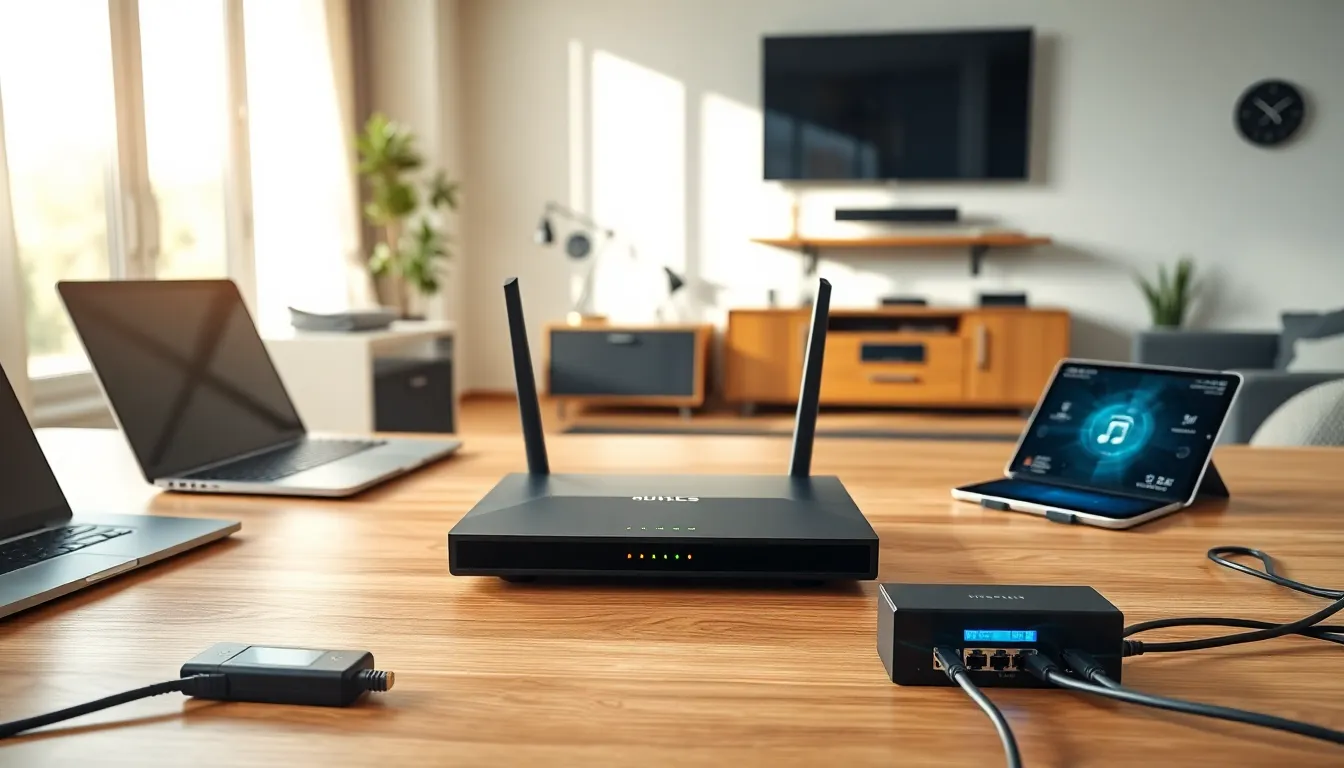

Home networking techniques determine how well devices communicate across a household. A strong home network supports everything from video calls to smart thermostats. Yet many people struggle with dead zones, slow speeds, and security gaps. This guide breaks down the key home networking techniques that create fast, reliable, and secure connections. Whether someone is setting up their first router or upgrading an existing system, these strategies will help build a connected home that actually works.
Table of Contents
ToggleKey Takeaways
- Effective home networking techniques combine wired Ethernet for critical devices with Wi-Fi for flexibility and convenience.
- Router placement in a central, elevated location significantly improves Wi-Fi coverage and reduces dead zones.
- Mesh Wi-Fi systems outperform traditional extenders by providing seamless, whole-home coverage without speed loss.
- Strong network security requires changing default passwords, enabling WPA3 encryption, and creating a separate guest network.
- Separating IoT devices from your main network limits security risks if a smart device gets compromised.
- Regular firmware updates and monitoring connected devices keep your home network secure and running smoothly.
Understanding Your Home Network Infrastructure
Every home network starts with a few core components. The modem connects to an internet service provider and brings data into the home. The router then distributes that connection to various devices. Some households use a combined modem-router unit, while others keep them separate for more control.
Home networking techniques depend heavily on understanding this basic infrastructure. The router acts as the central hub. It assigns IP addresses to devices, manages traffic, and creates the local network. Most routers today offer both 2.4 GHz and 5 GHz frequency bands. The 2.4 GHz band covers longer distances but delivers slower speeds. The 5 GHz band provides faster speeds over shorter ranges.
Switches and access points extend network capabilities. A network switch adds more wired ports for devices like gaming consoles or desktop computers. Access points expand wireless coverage to larger homes or areas with poor signal.
Bandwidth matters too. Households with multiple users streaming, gaming, and video conferencing need sufficient bandwidth from their ISP. A 100 Mbps plan might work for a couple, but families with heavy usage often benefit from 300 Mbps or higher. Understanding these infrastructure basics helps homeowners make smarter decisions about their home networking setup.
Wired vs. Wireless Networking Options
Choosing between wired and wireless connections is a fundamental home networking decision. Each option has clear advantages.
Wired Connections
Ethernet cables provide the fastest and most stable connections. Cat6 or Cat6a cables support speeds up to 10 Gbps over short distances. Wired connections experience minimal latency, making them ideal for online gaming, video editing, and large file transfers.
The downside? Running cables through walls requires effort and planning. Older homes may not have built-in Ethernet ports. But, for stationary devices like smart TVs, desktop computers, and gaming consoles, wired connections remain the gold standard.
Powerline adapters offer a middle ground. These devices send network signals through electrical wiring. They work well in homes where running Ethernet cables isn’t practical. Performance varies based on the age and quality of electrical wiring.
Wireless Connections
Wi-Fi provides flexibility and convenience. Laptops, smartphones, tablets, and smart home devices typically connect wirelessly. Modern Wi-Fi 6 (802.11ax) routers deliver faster speeds, better performance in crowded networks, and improved range compared to older standards.
Wireless home networking techniques have improved dramatically. Mesh systems use multiple nodes to blanket a home in consistent coverage. Traditional routers broadcast from a single point, which creates weak spots in larger homes. Mesh networks eliminate most dead zones.
The best home networking approach often combines both wired and wireless options. Critical devices get Ethernet connections. Everything else uses Wi-Fi.
Optimizing Wi-Fi Coverage and Performance
Wi-Fi performance depends on router placement, channel selection, and interference management. Small adjustments can produce significant improvements.
Router Placement
Position the router in a central location. Placing it in a corner or closet limits coverage. Elevation helps too, mounting a router on a shelf or wall spreads the signal more evenly. Keep the router away from thick walls, metal objects, and appliances like microwaves that cause interference.
Channel Selection
Routers broadcast on specific channels within each frequency band. In dense neighborhoods, multiple networks often compete on the same channels. This creates congestion. Most modern routers automatically select the least crowded channel, but manual selection sometimes produces better results. Free tools like Wi-Fi analyzers show which channels nearby networks use.
Advanced Home Networking Techniques
Quality of Service (QoS) settings prioritize bandwidth for specific applications. A household can allocate more resources to video calls during work hours, then shift priority to gaming in the evening.
Mesh Wi-Fi systems solve coverage problems in larger homes. Brands like Google Nest, Eero, and TP-Link Deco offer reliable mesh solutions. These systems create a single network name that devices connect to seamlessly as users move through the house.
Wi-Fi extenders provide a cheaper alternative but often create separate network names and reduce speeds by half. For serious performance needs, mesh systems outperform extenders.
Firmware updates matter. Router manufacturers release updates that fix bugs, patch security holes, and sometimes improve performance. Checking for updates quarterly keeps the network running smoothly.
Essential Security Practices for Home Networks
A fast network means nothing if it’s vulnerable to attacks. Home networking techniques must include security measures.
Change Default Settings
Routers ship with default usernames and passwords. Hackers know these credentials. Changing them immediately prevents unauthorized access. Use a strong, unique password with at least 12 characters mixing letters, numbers, and symbols.
The network name (SSID) should also change from the default. Avoid names that reveal the router brand or personal information.
Enable Strong Encryption
WPA3 offers the strongest Wi-Fi encryption available today. If devices don’t support WPA3, WPA2 remains acceptable. Never use WEP or leave a network open. These options provide almost no protection.
Create a Guest Network
Guest networks isolate visitors from the main network. Friends can access the internet without reaching smart home devices, computers, or shared files. Many routers offer this feature in their settings.
Network Segmentation
Advanced home networking techniques include separating IoT devices from computers and phones. Smart cameras, thermostats, and voice assistants often have weaker security. Placing them on a separate network or VLAN limits damage if one device gets compromised.
Regular Monitoring
Check connected devices periodically. Unknown devices might indicate unauthorized access. Most router apps display all connected devices with their MAC addresses. Removing unfamiliar connections and changing the password blocks intruders.


