
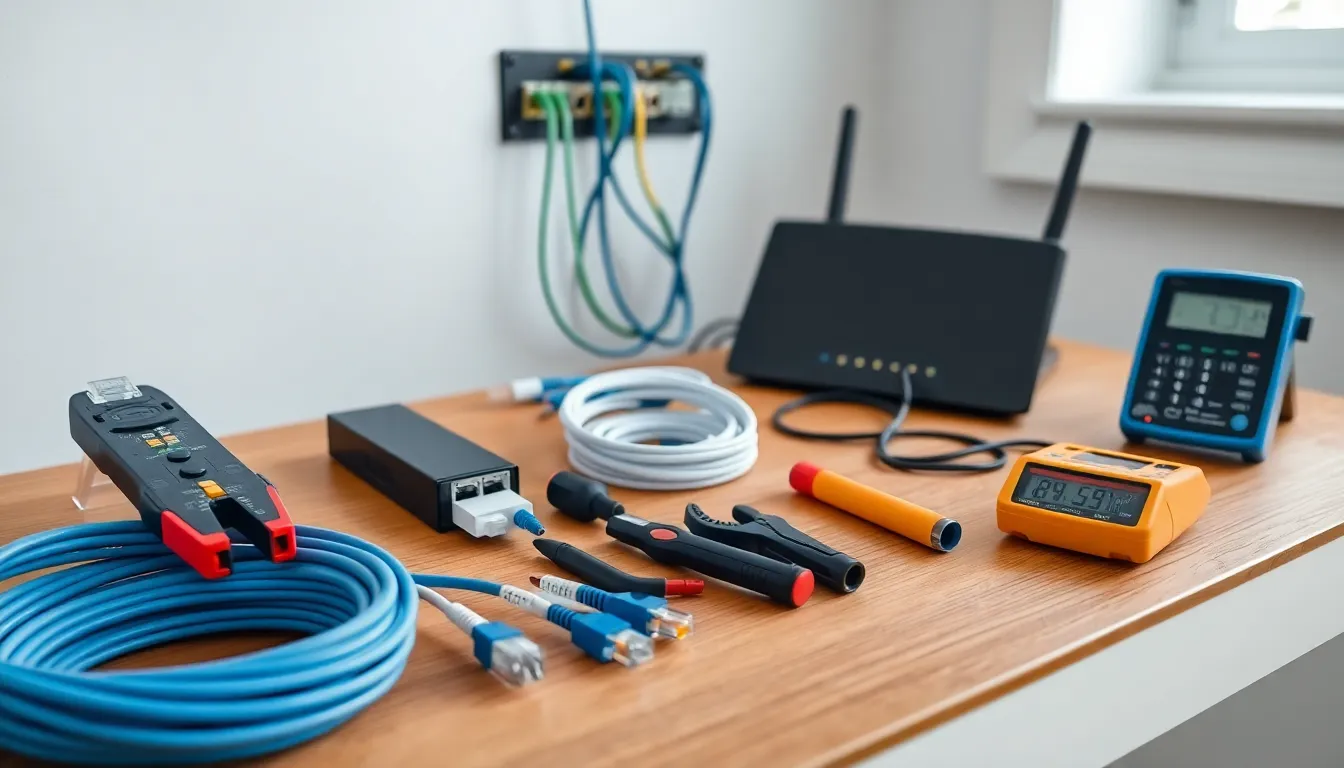

Home networking tools make the difference between a frustrating setup and a reliable connection. Whether someone is running Ethernet through walls or troubleshooting slow Wi-Fi, the right equipment saves hours of guesswork. A solid toolkit covers four areas: cable work, testing, software, and organization. This guide breaks down the essential home networking tools every DIY network builder needs. From crimpers to cable testers, these items help users install, diagnose, and maintain their home networks with confidence.
Table of Contents
ToggleKey Takeaways
- Essential home networking tools fall into four categories: cable work, testing, software, and organization.
- Quality crimping tools, wire strippers, and punchdown tools ensure reliable Ethernet connections that won’t fail over time.
- Cable testers and tone generators help diagnose problems quickly, saving hours of troubleshooting guesswork.
- Software tools like network mappers and bandwidth monitors provide visibility into device connections and data usage.
- Proper cable labeling and management accessories keep installations clean and make future maintenance much easier.
- Surge protectors and UPS units protect network equipment from power issues and keep your home network running during outages.
Cable and Connectivity Tools
Cable work forms the backbone of any wired home network. Home networking tools for this job include several must-have items.
Ethernet Crimping Tool
A crimping tool attaches RJ-45 connectors to Ethernet cables. Quality crimpers create secure connections that won’t fail over time. Look for models with built-in cable cutters and strippers, they speed up the process.
Wire Strippers and Cutters
Precision matters here. Cat5e and Cat6 cables have specific jacket thicknesses. A dedicated cable stripper removes the outer jacket without nicking the internal wires. Damaged wires cause intermittent connections and signal loss.
Punchdown Tool
Wall jacks and patch panels require a punchdown tool. This device pushes individual wires into their slots and trims excess in one motion. Spring-loaded versions reduce hand fatigue during larger installations.
Cable Connectors and Keystones
Stock up on RJ-45 connectors, keystone jacks, and wall plates. Pass-through connectors simplify termination for beginners, the wires extend through the connector for easier alignment before crimping.
Fish Tape and Cable Pulling Rods
Running cables through walls, ceilings, or conduit requires fish tape or fiberglass pulling rods. These home networking tools let users route cables without tearing open drywall. Glow rods help in dark spaces like attics.
Network Testing and Diagnostic Equipment
Installation means nothing if the network doesn’t work. Testing equipment identifies problems before they become headaches.
Cable Tester
A basic cable tester checks continuity and wire mapping. It confirms all eight wires connect properly and spots crossed pairs. Advanced testers measure cable length and identify where breaks occur along the run.
Network Cable Certifier
For those who want professional-grade results, a certifier tests speed capability and signal quality. These home networking tools verify that cables meet Cat5e, Cat6, or Cat6a standards. They cost more but provide detailed reports.
Tone Generator and Probe
Lost a cable in a bundle? A tone generator sends an audible signal through the wire. The probe detects this tone at the other end, identifying unlabeled cables without trial and error.
Multimeter
A digital multimeter checks voltage and continuity in PoE (Power over Ethernet) setups. It also troubleshoots power issues with switches and access points. Every network toolkit benefits from this versatile device.
Wi-Fi Analyzer
Wireless networks need testing too. Handheld Wi-Fi analyzers or smartphone apps measure signal strength, identify channel congestion, and locate dead zones. This data guides access point placement for better coverage.
Software Tools for Network Management
Physical home networking tools handle hardware. Software handles everything else.
Network Mapping Applications
Programs like Advanced IP Scanner or Angry IP Scanner show every device on a network. They display IP addresses, MAC addresses, and device names. This visibility helps users spot unauthorized connections or identify devices for configuration.
Bandwidth Monitoring Software
Tools like GlassWire or PRTG track data usage by device and application. They reveal which devices consume the most bandwidth and when. This information helps users manage network resources and identify potential issues.
Speed Test Utilities
Beyond the basic Speedtest.net, tools like iPerf measure internal network speeds between devices. They test actual throughput rather than just internet connection speed. This matters for file sharing, streaming, and backups.
Router Firmware and Apps
Most modern routers include management apps with built-in diagnostics. Features include device prioritization, parental controls, and network health checks. Third-party firmware like DD-WRT or OpenWrt adds advanced options for power users.
Remote Access Tools
Applications like TeamViewer or AnyDesk let users troubleshoot network devices remotely. They’re useful for helping family members or accessing a home network while traveling. Secure these tools properly to avoid security risks.
Safety and Organization Accessories
A professional installation looks clean and lasts longer. These home networking tools focus on the finishing touches.
Cable Labels and Markers
Label every cable at both ends. Printed labels, wrap-around tags, or colored tape all work. Future troubleshooting becomes much faster when cables are clearly identified. This simple step prevents hours of confusion later.
Cable Management Supplies
Velcro straps, cable clips, and conduit keep runs neat and protected. Zip ties work but make changes difficult. Velcro allows easy adjustments as the network grows.
Patch Panels
A patch panel centralizes all cable terminations in one location. It provides flexibility, users can reroute connections without touching the cables in the walls. Even small home networks benefit from this organization.
Surge Protectors and UPS Units
Network equipment needs power protection. A surge protector guards against voltage spikes. An uninterruptible power supply (UPS) keeps the network running during brief outages and provides clean power.
Mounting Hardware
Wall-mount brackets for switches, shelves for equipment, and rack systems for larger setups keep everything accessible and ventilated. Proper mounting extends equipment life and simplifies maintenance.


